
CRM offers are generated from an opportunity when we link a vessel or model and prepare a commercial proposal.
Therefore, they are not created directly from:
CRM → OFFERS
This section functions as a general list to consult and manage offers that have already been created.
List information
In each offer you can consult:

Creation date.
Client.
Related opportunity.
Vessel or model offered.
Status.
Associated commercial document.
By clicking on the client, opportunity, vessel, or document, we will be able to access the corresponding record.
Filter the offers
We can filter the list by:
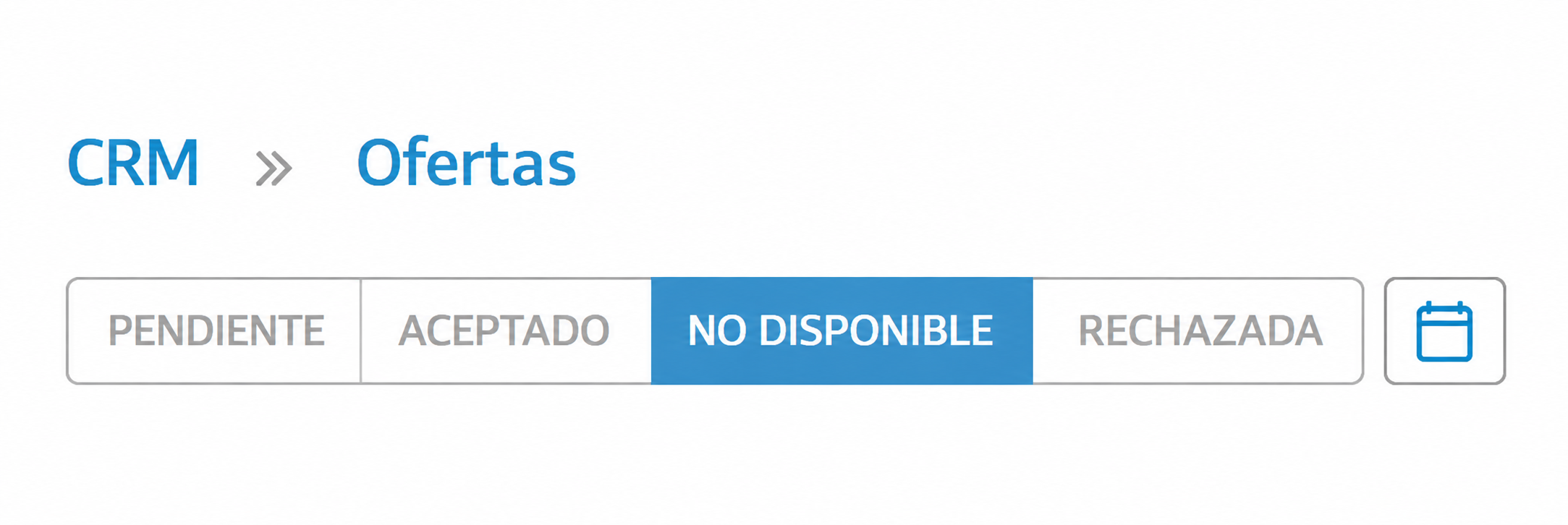
Status.
Creation period.
The statuses allow you to distinguish between pending, accepted, rejected, or unavailable offers.
Accept or reject an offer
From the list, we can use the available actions to:
Accept: marks the offer as accepted and updates the related document.
Reject: marks the offer and its document as rejected.
Delete: available when the offer does not yet have a document or it has already been rejected.
The actions displayed will depend on the status of the offer and the user's permissions.
Difference between offer and quote
The CRM offer records the proposal within the commercial tracking of an opportunity.
The quote is the sales document that is prepared and sent to the customer. An offer can have an associated quote, but they are not the same record.
The creation and editing of the quote will be explained in Sales → Quotes.
What we should keep in mind
Offers are generated from an opportunity, not from this list.
This section centralizes offers from all opportunities.
Accepting or rejecting an offer can also update the related document.
Unavailable vessels will appear identified in the list.