In StarNapp you can’t edit or delete issued invoices, so any correction must be done through:
It’s used when we need to fix mistakes in an original invoice:
Incorrect price
Incorrect VAT applied
Wrong customer details
Invoice cancellation
It replaces the original invoice.
It’s a type of corrective invoice with negative amounts. It’s used for:
Product returns
Commercial discounts
Fixing overcharged amounts
It offsets the original invoice (it doesn’t cancel it).
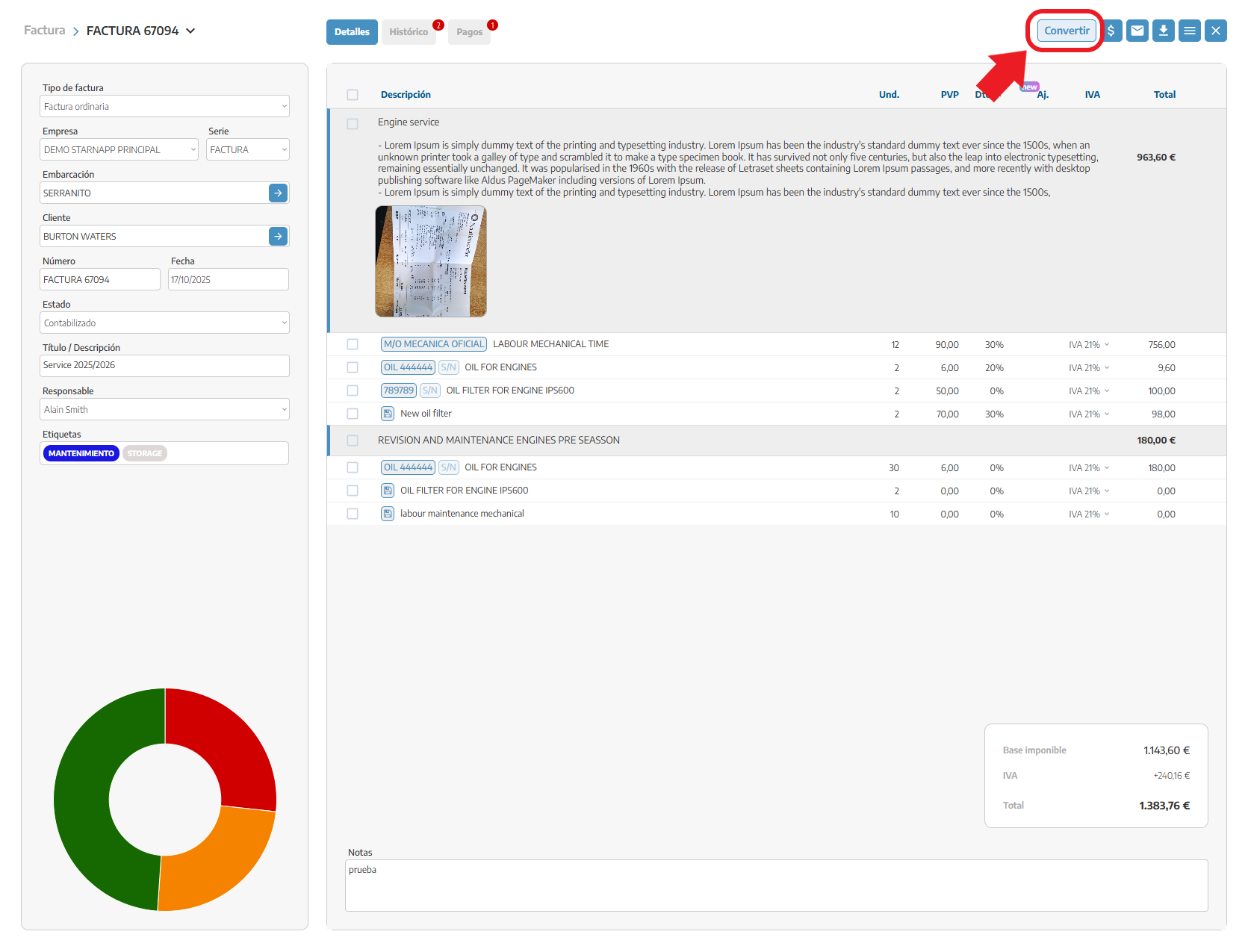
Go to the incorrect invoice
Click on the “CONVERT” button (top right)
A pop-up will open where you should:
Select the invoice type:
Rectifying
Credit note
Choose the format:
Detailed
Summarized in one line
Decide if you want to transfer the notes from the original invoice
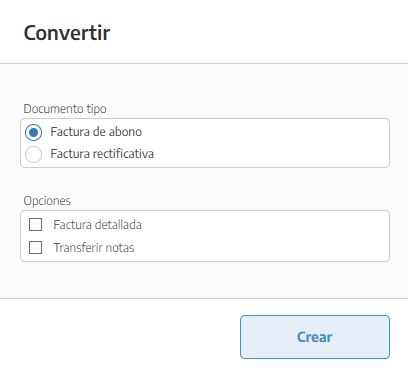
Confirm the action
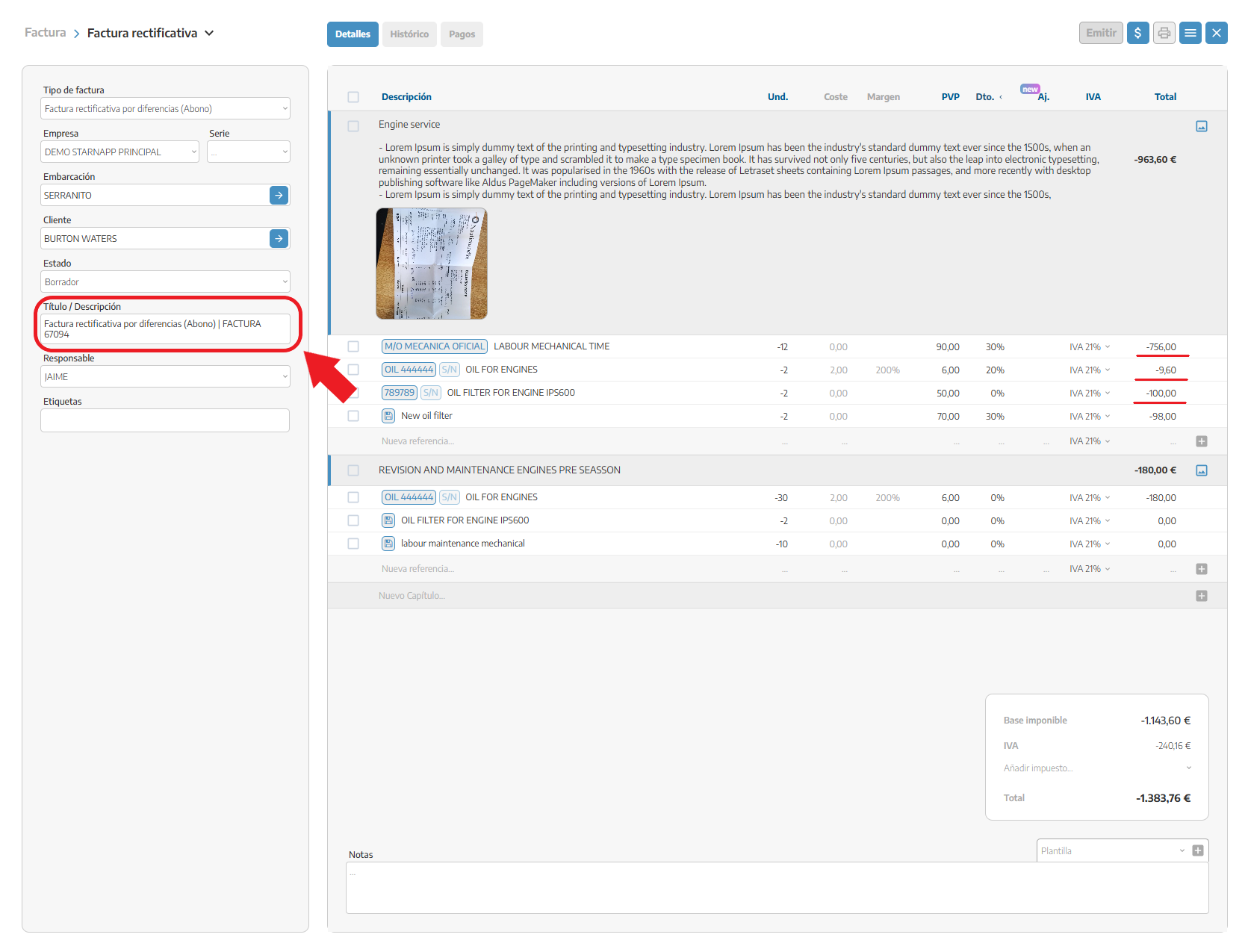
The system creates a copy of the original invoice with negative amounts
The invoice is generated in draft status, so:
You can edit it (for example, if the credit is partial)
The title is updated automatically:
"Corrective invoice for differences (Credit) | FCT-XXX"
The original invoice is NOT canceled
Both invoices offset each other:
Final balance = 0 (if the credit is total)
Or adjusted balance (if it’s partial)
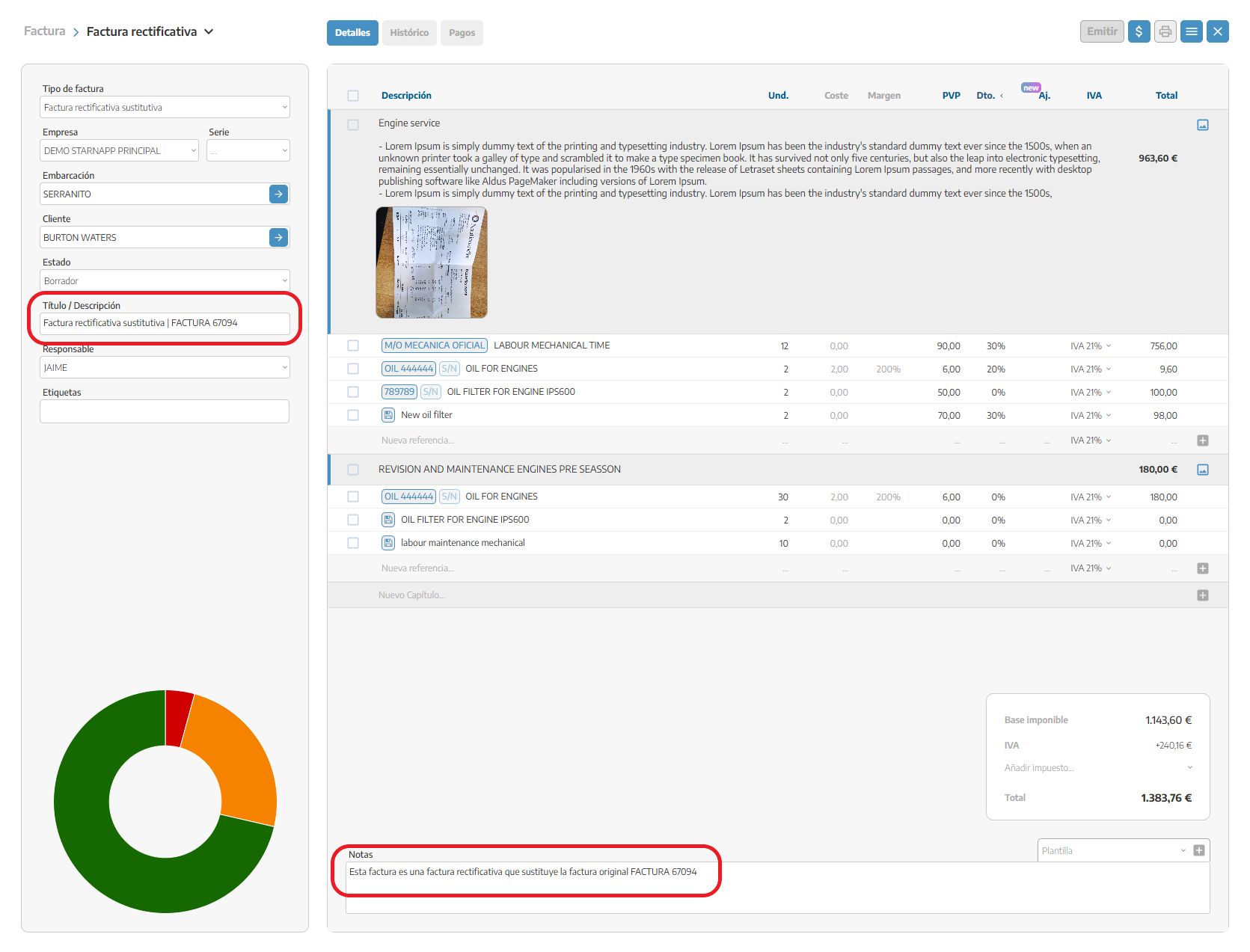
It’s created following the same process
The amounts appear in positive
The system automatically changes:
"Substitute corrective invoice | FCT-XXX"
"This invoice is a corrective invoice that replaces the original invoice FCT-XXX"
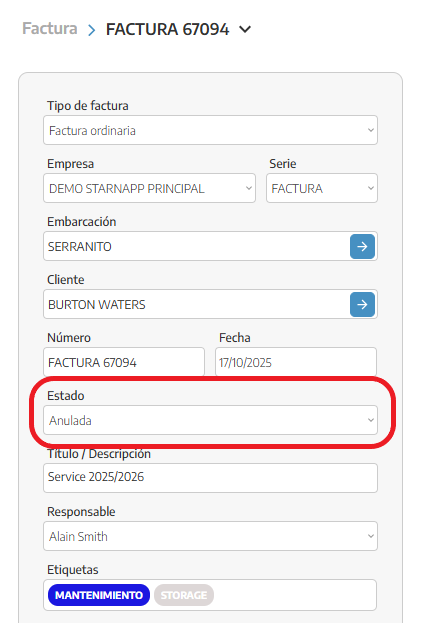
The original invoice is voided
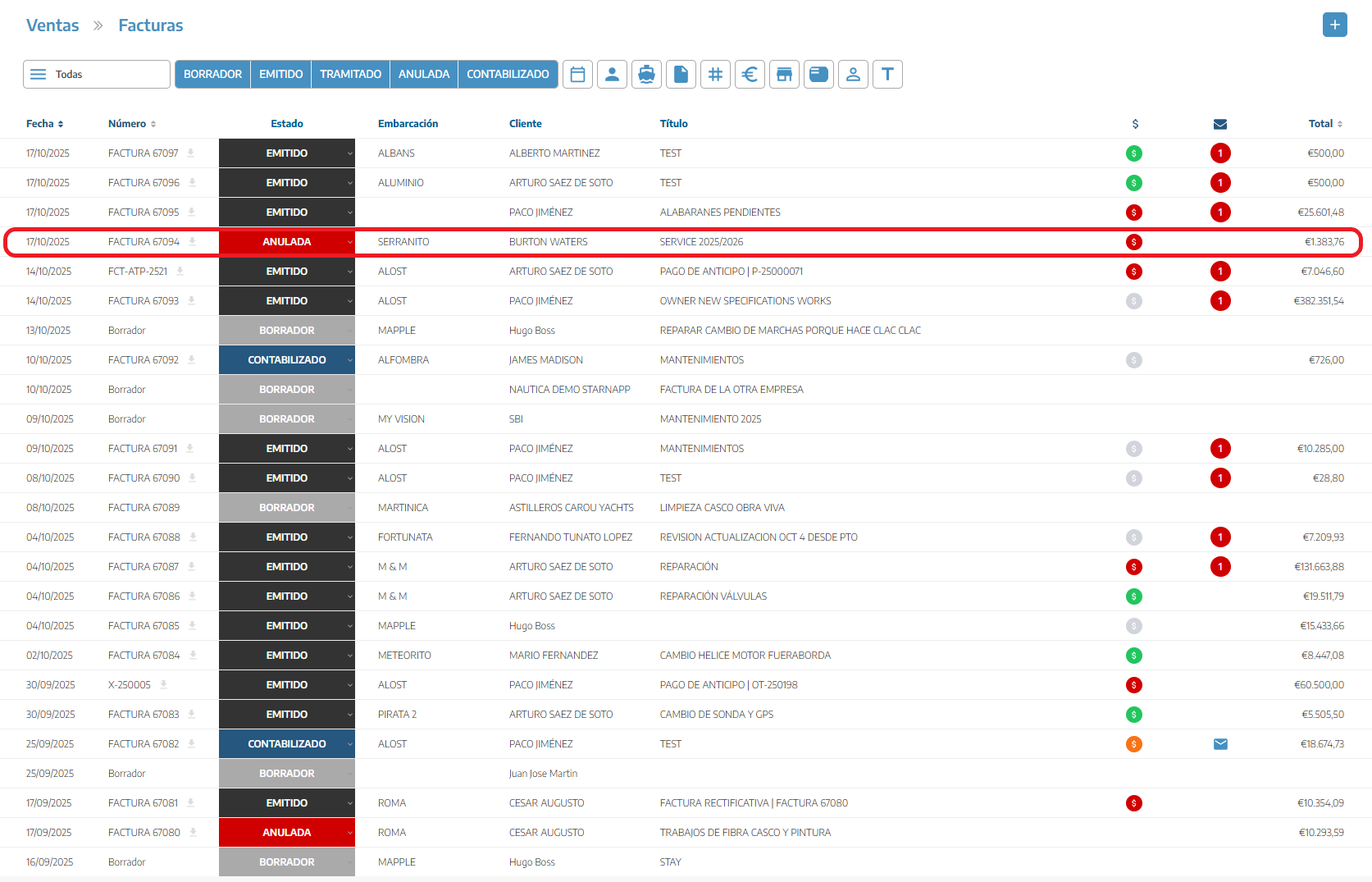
The new invoice becomes the valid one

Don’t create corrective invoices with negative amounts
It can create discrepancies in balances
The original invoice is voided, leaving the offset without a basis
Use:
Credit note → to subtract/negative amounts
Corrective invoice → to fully replace