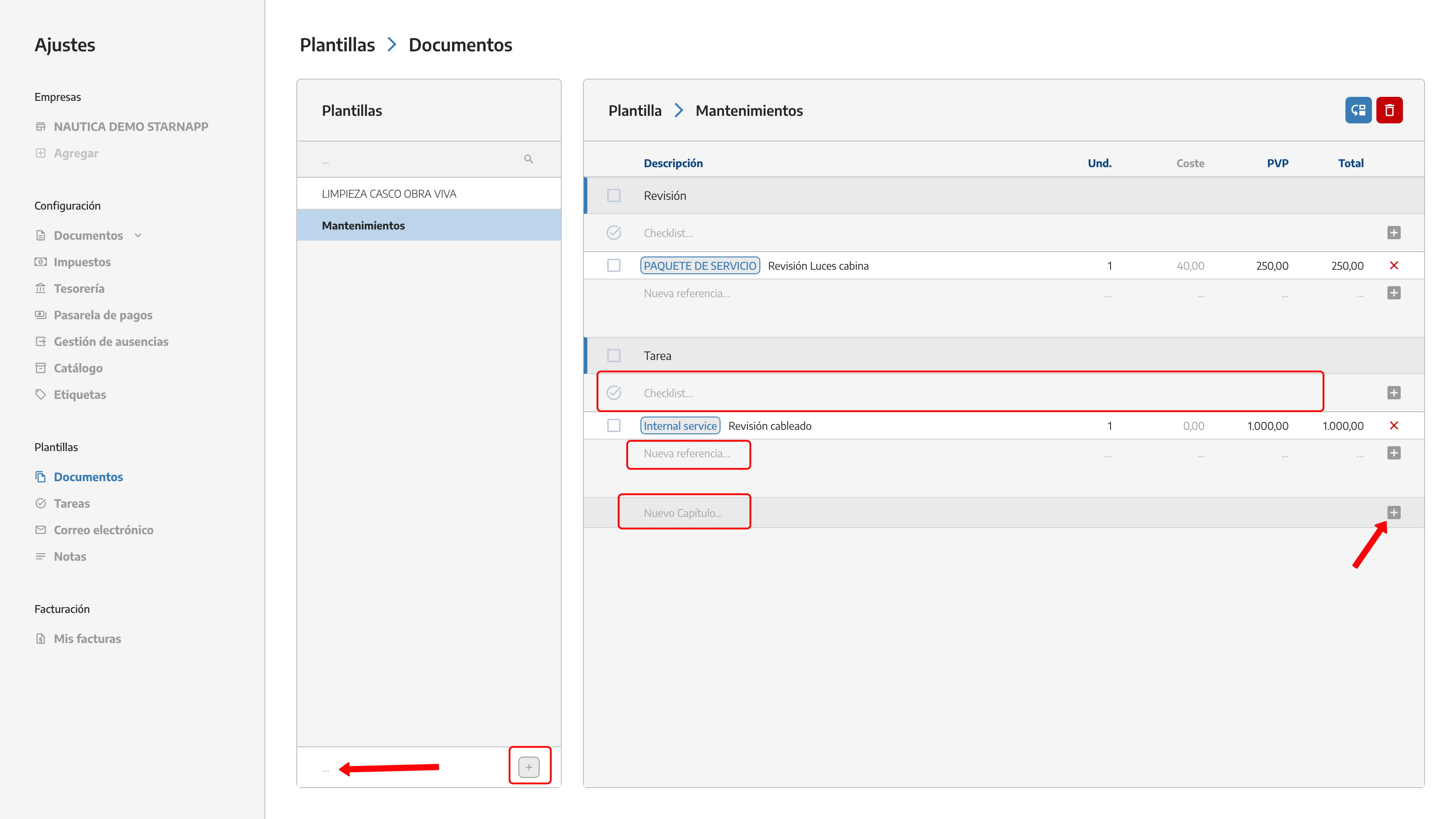
Here we can create different templates that we’re going to use frequently. Inside we can add tasks we’ve created with their respective resources.
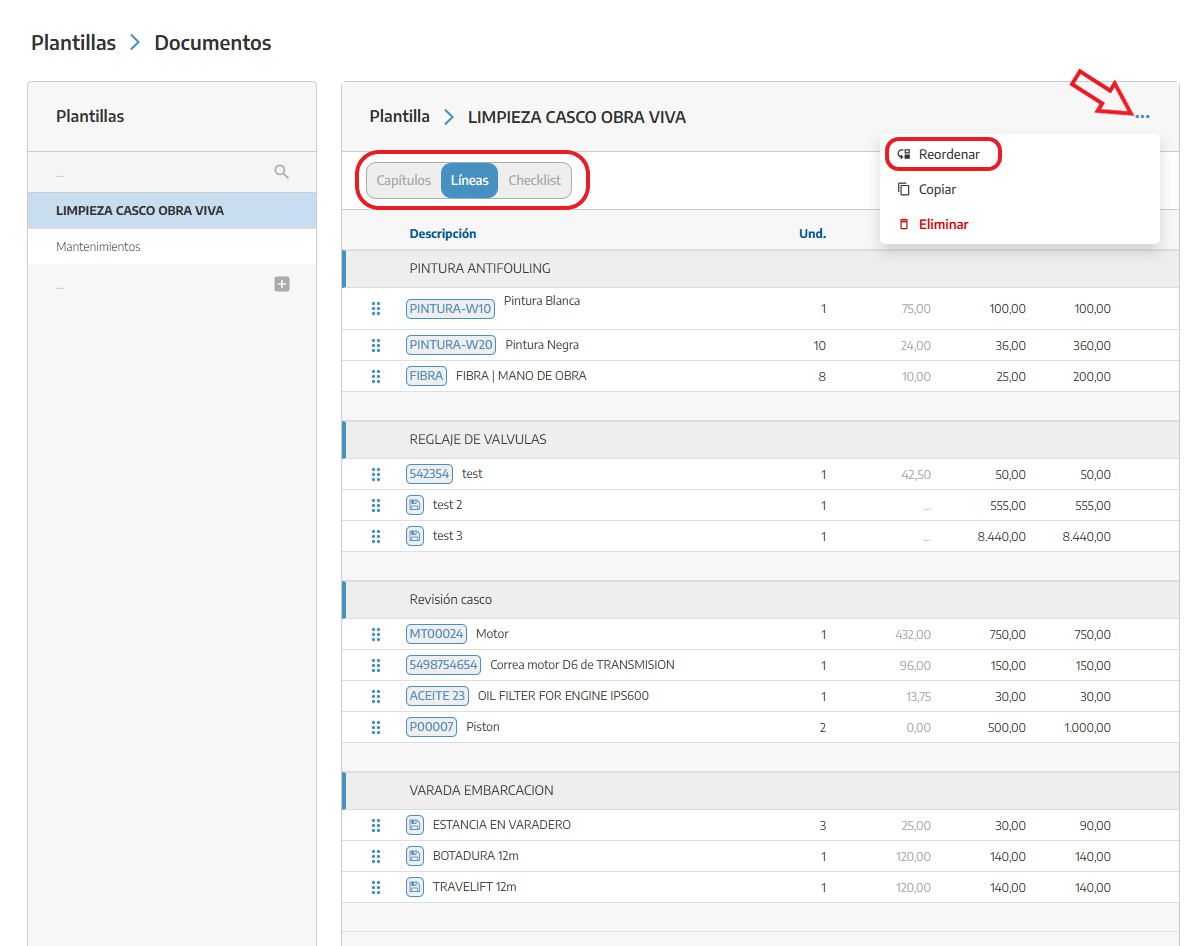
Once the template is created with the necessary chapters, lines, and checklists, we can arrange them however we like with the button located in the upper right corner.
We can create different tasks that we use regularly so we don’t have to create them every time we’re going to create a document.
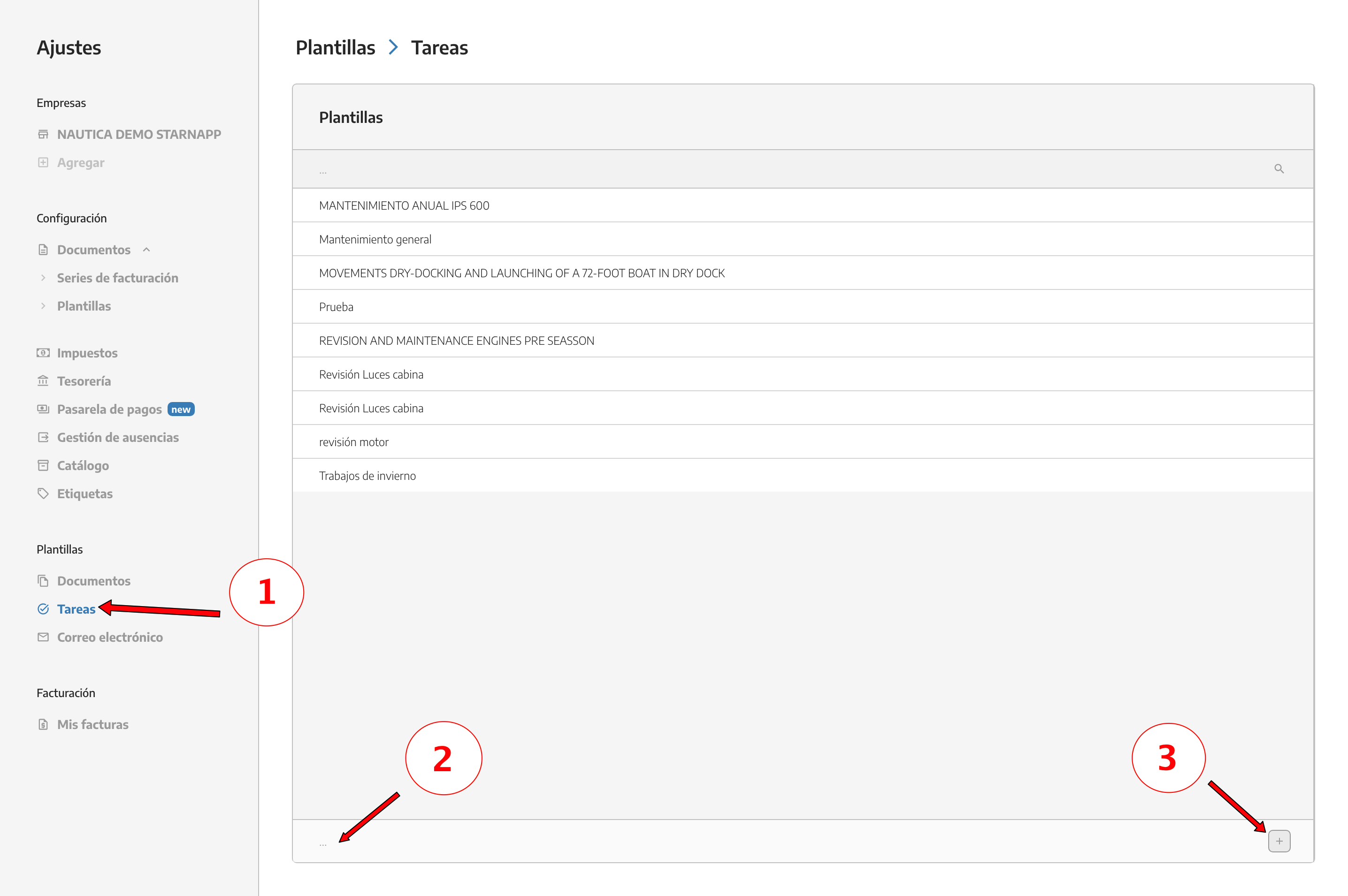
In task templates we also have the option to sort the lines and checklists that we previously created.
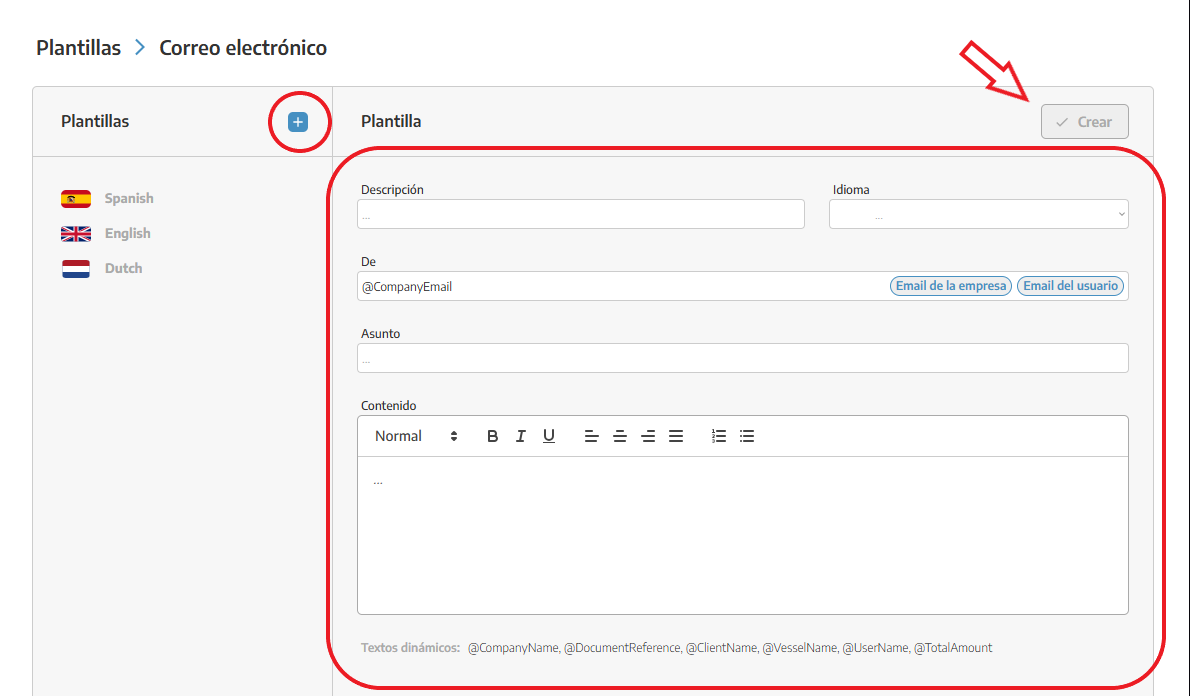
We can generate email templates in whichever language we want. Right now we have six languages in StarNapp.
We can select the default user who will send this email; we’ll choose between the company’s main email or our email associated with our account.
As we write the email content, we can use dynamic texts like @UserName or @TotalAmount among others.
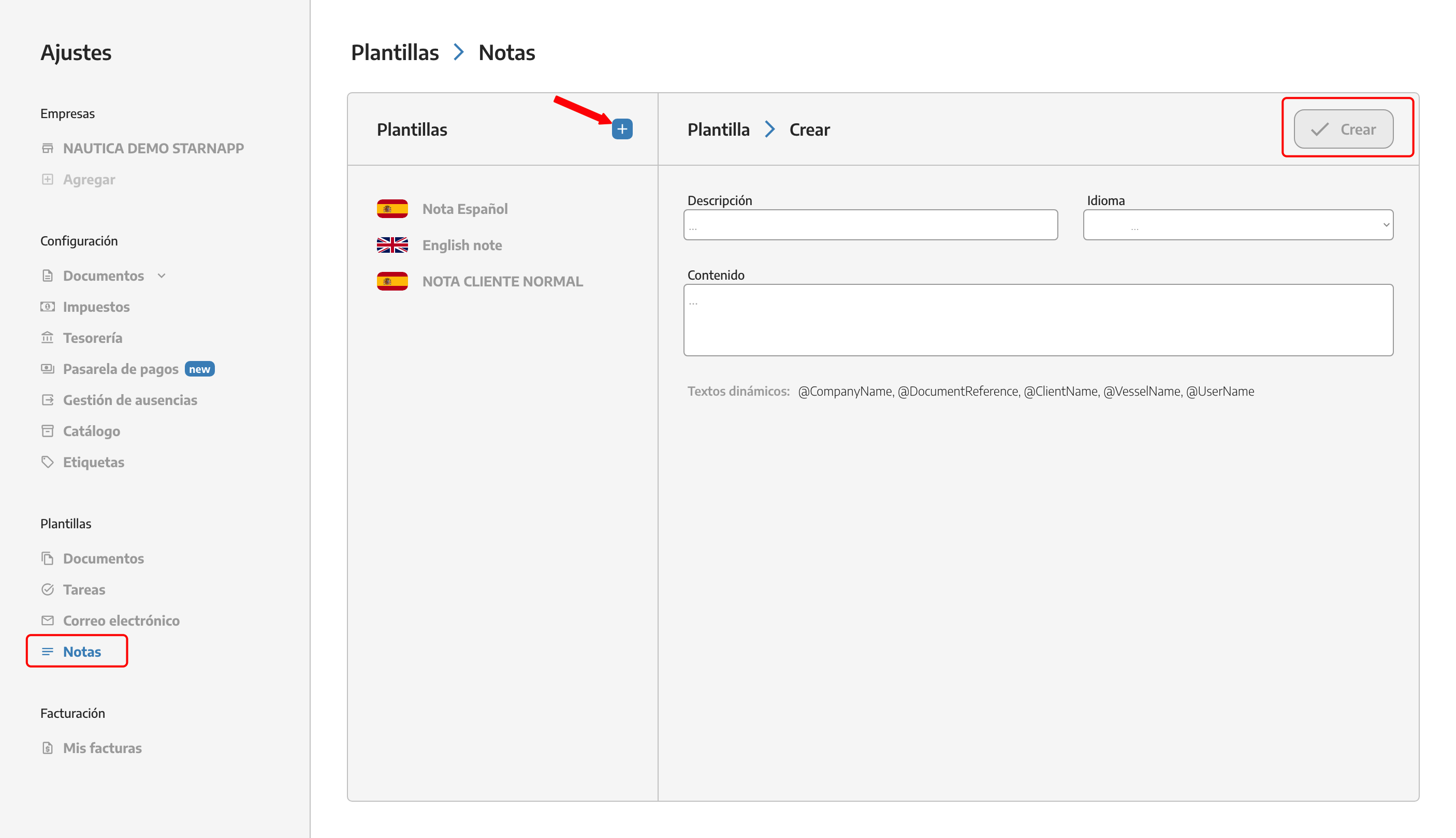
We can create templates for the notes in our documents in the languages we’ve set up in StarNapp. We can create as many notes as we want.
To add the notes we’ve created in the document, we have a button at the bottom right. When we tap it, all the notes we’ve created will drop down and we can choose the one we need at that moment.