Our purchase documents come from different sources: from our email, from the INBOX section, or by creating those documents from scratch.
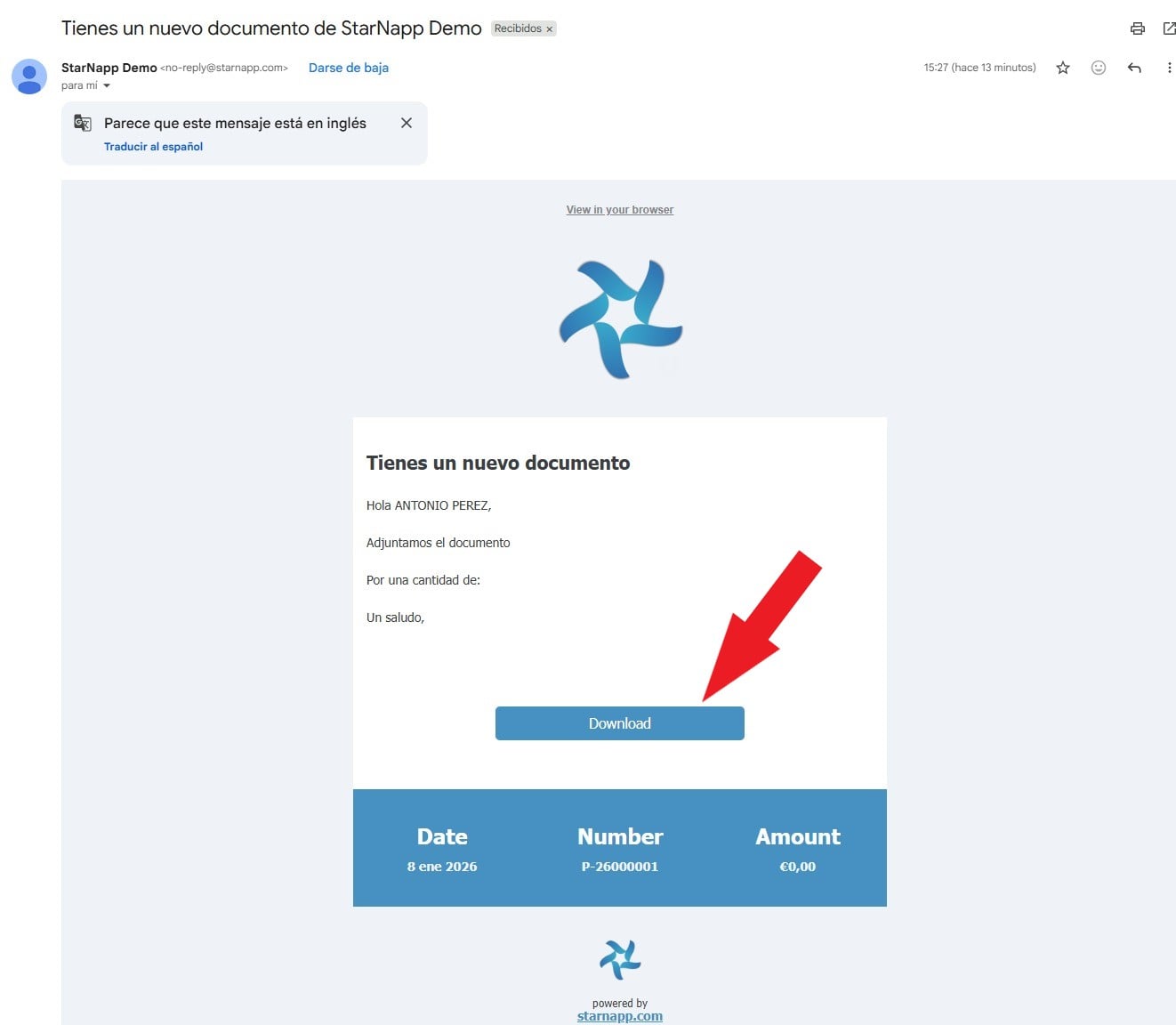
We'll start with how our documents arrive through our email. When a company sends us a Quote, with StarNapp we'll see the following view when opening that email. The process to import the Quote is simple, we'll click the DOWNLOAD button.
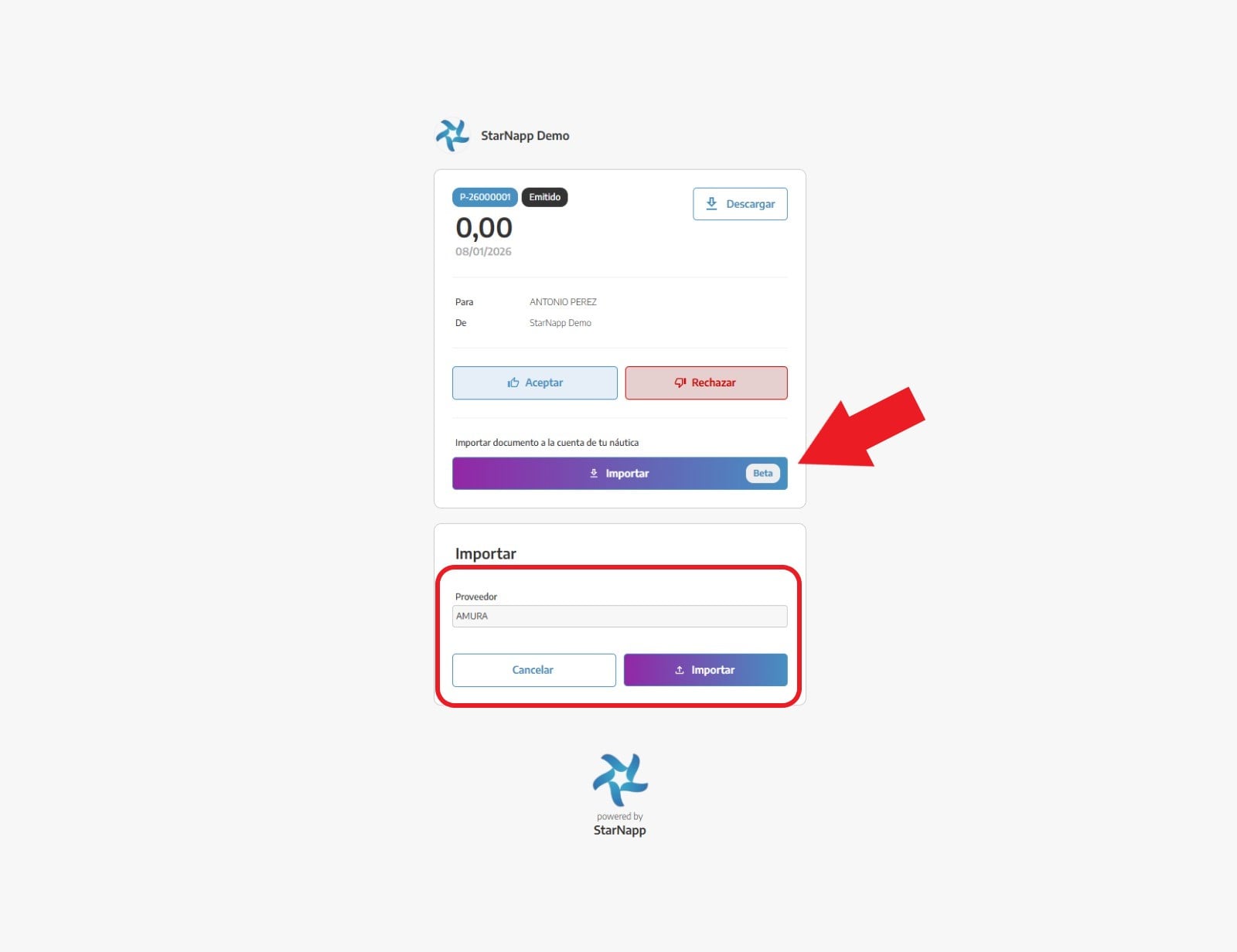
In the next tab we'll select the supplier that's sending it to us; once selected we can go ahead and import it.
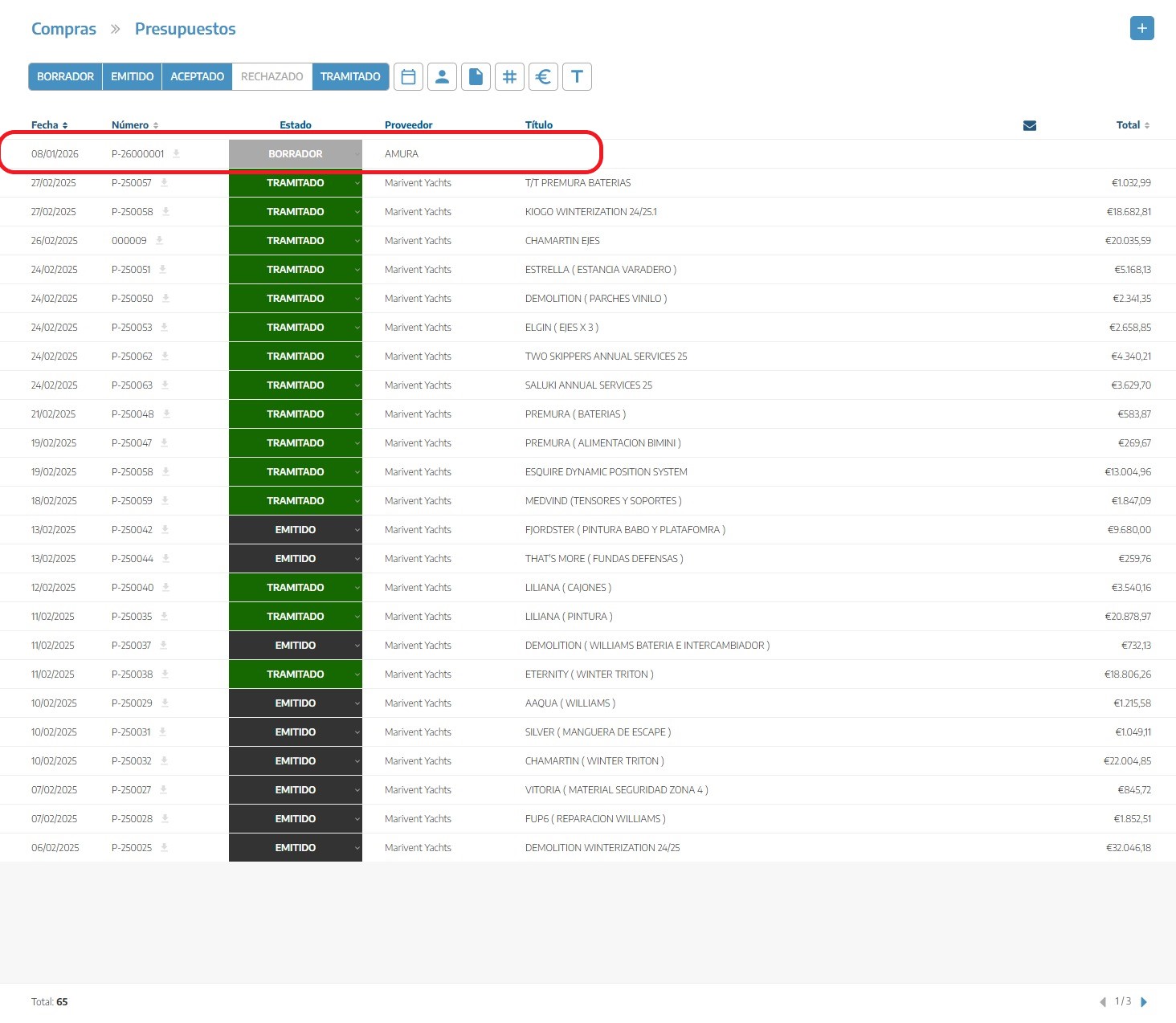
Once the process is finished, we can go to our list of quotes and there we'll see the imported document.
The second way to enter/import documents is through the INBOX. In this section we can upload our physical documents and, using our AI, analyze the document’s content and generate all the data.
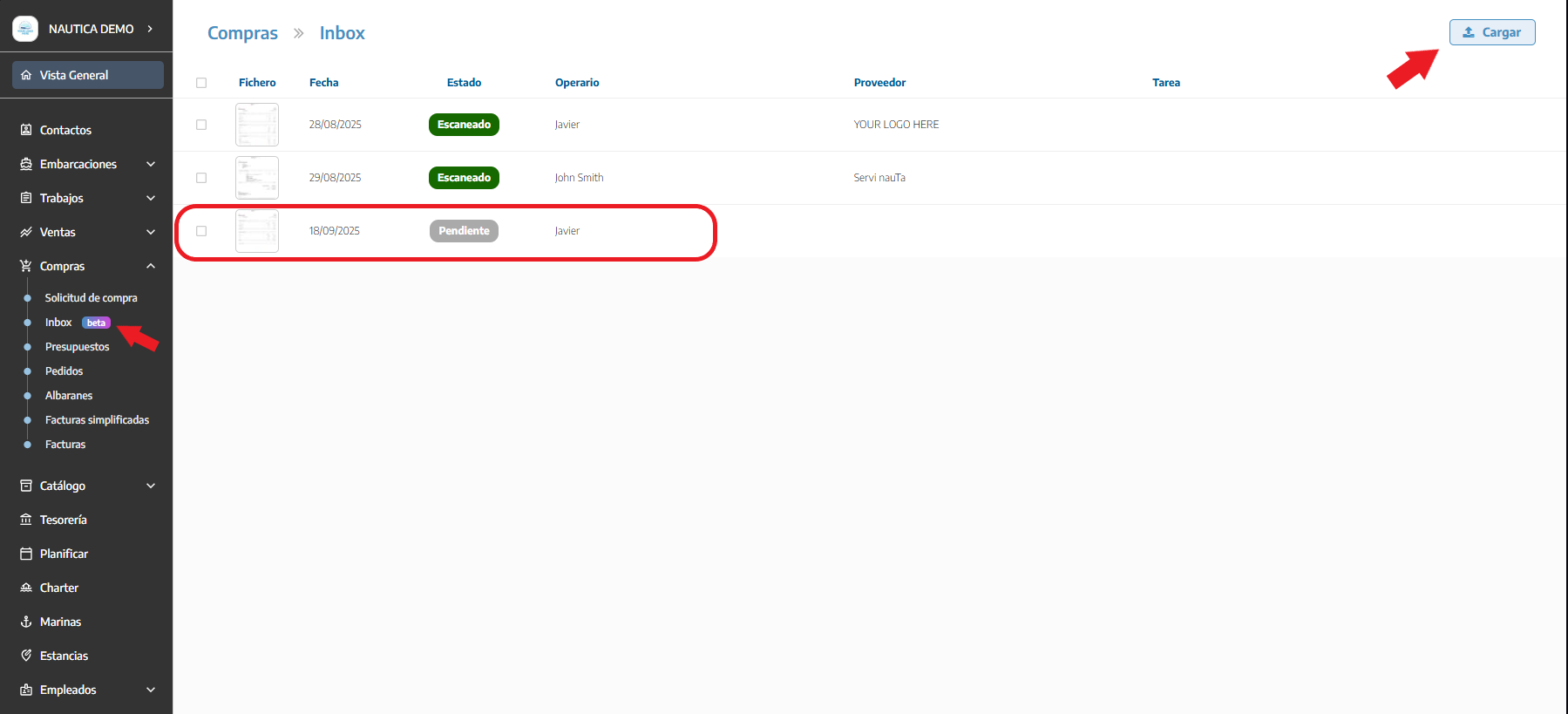
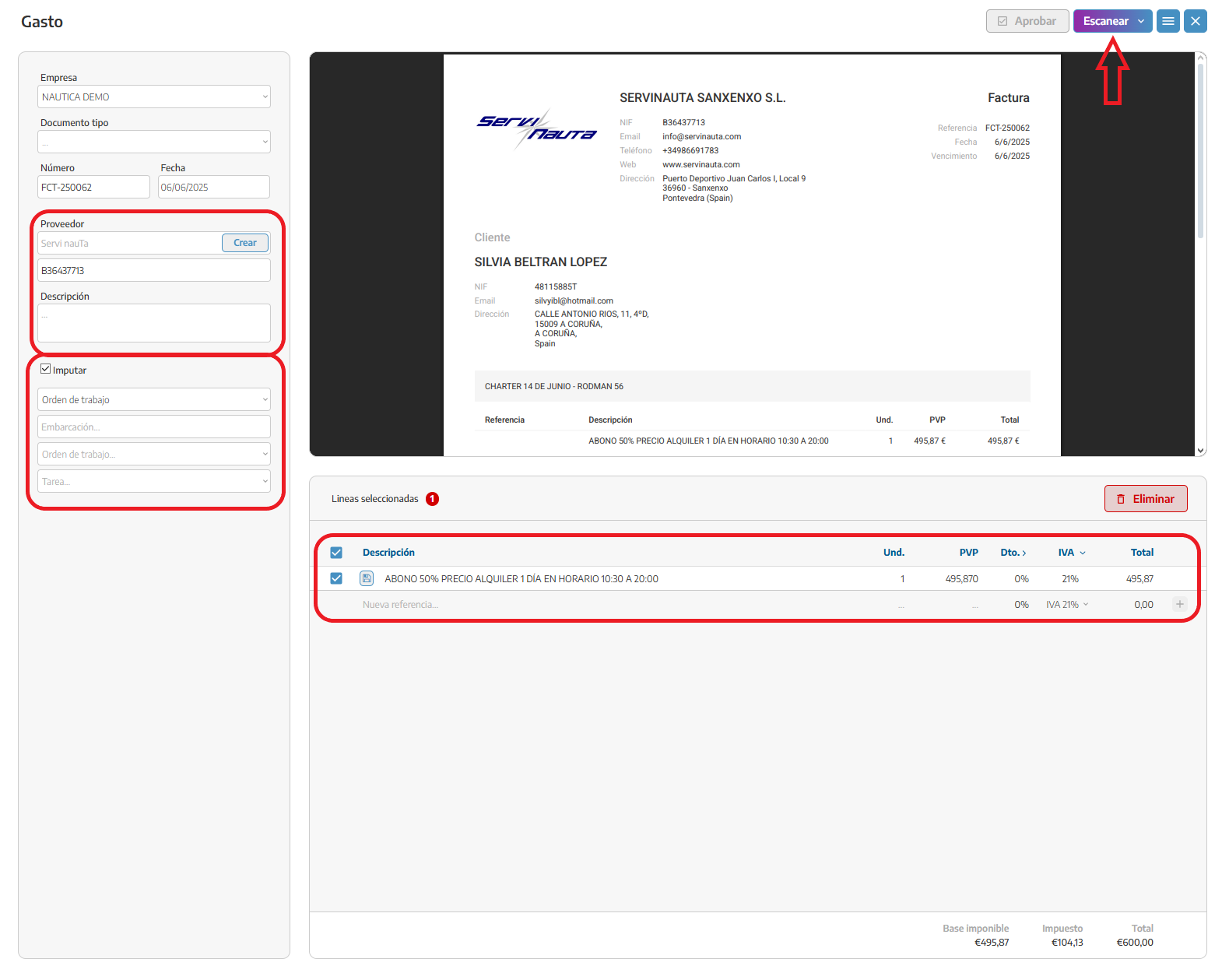
When we have it uploaded, we’ll click on scan and the program will analyze the content of this document. Once the content is loaded, we recommend checking the document because it may contain errors. In the column on the left we can see the supplier data.
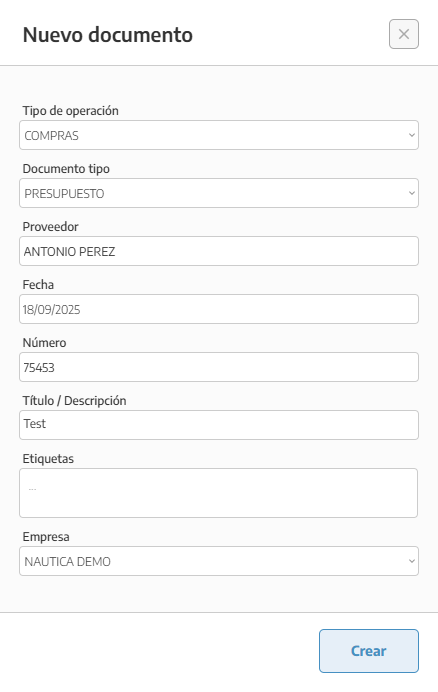
The third way to upload our documents is to create them from scratch, entering the resources manually. The process for creating purchase quotations is the same as for the other documents. In the upper right corner you can create a new quotation with the + sign. In this pop-up we’ll fill in the corresponding data and create the document.
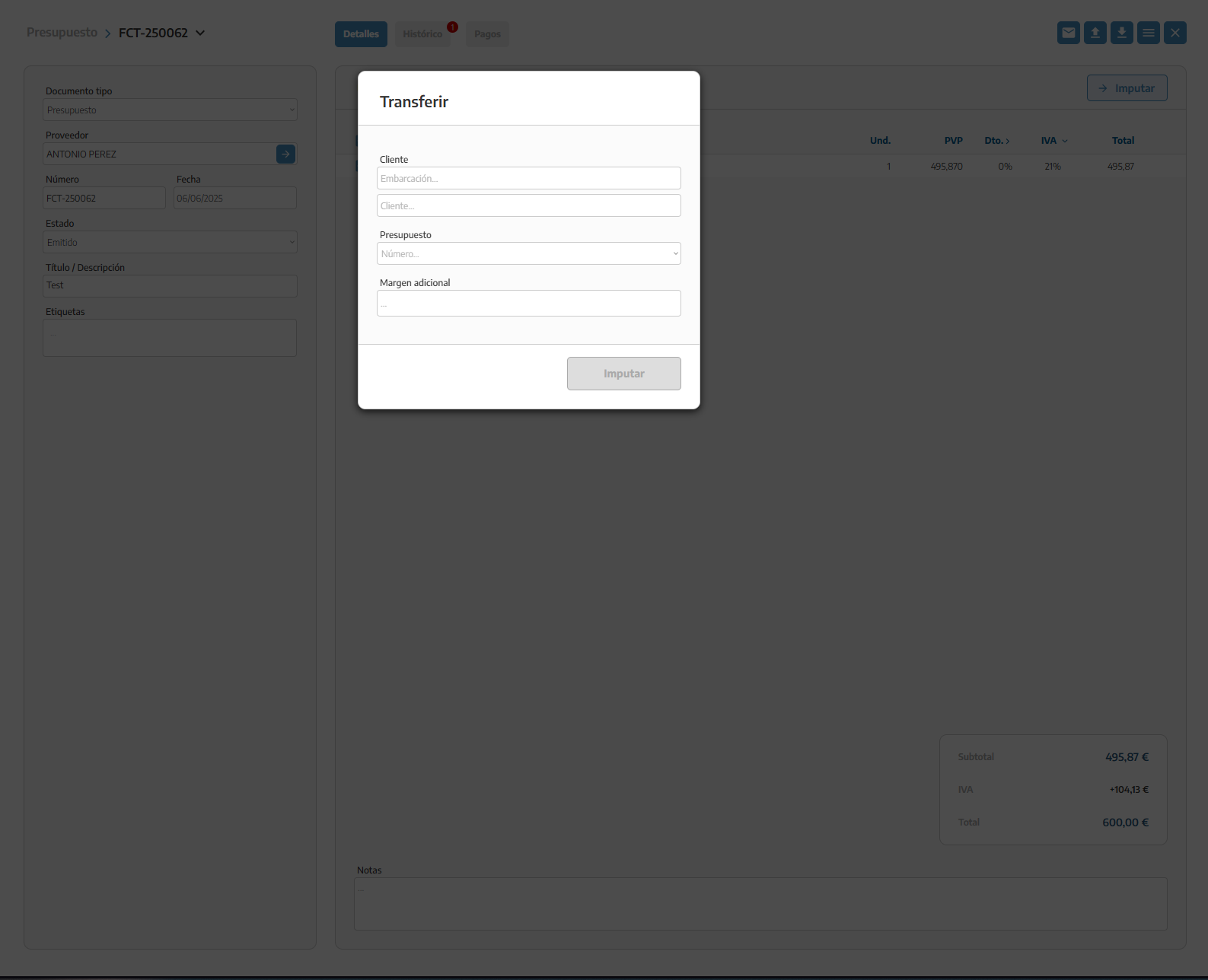
Once our purchase document is completed, we can proceed to allocate those resources to our sales document. We select the items we want to transfer to the document, then click the Allocate button; here we can choose whether we want to allocate the resource to a work order or a quote.