This type of invoice is useful when:
The customer pays in cash (is not registered or doesn't need a full profile).
It’s about quick and direct sales.
By law, it’s not mandatory to issue a full invoice.
Create the cash client
Go to the Contacts section and create a client called “Cash” or something similar. This client will be used for all sales where there's no need to create an individual profile.
Create the invoice
Once you've created the cash client, go ahead and make the invoice as you normally would:
Select the client you created.
Enter the materials or items you want to invoice.
Choose the series that applies.
Issue the invoice as simplified
When the invoice is ready, click Issue.
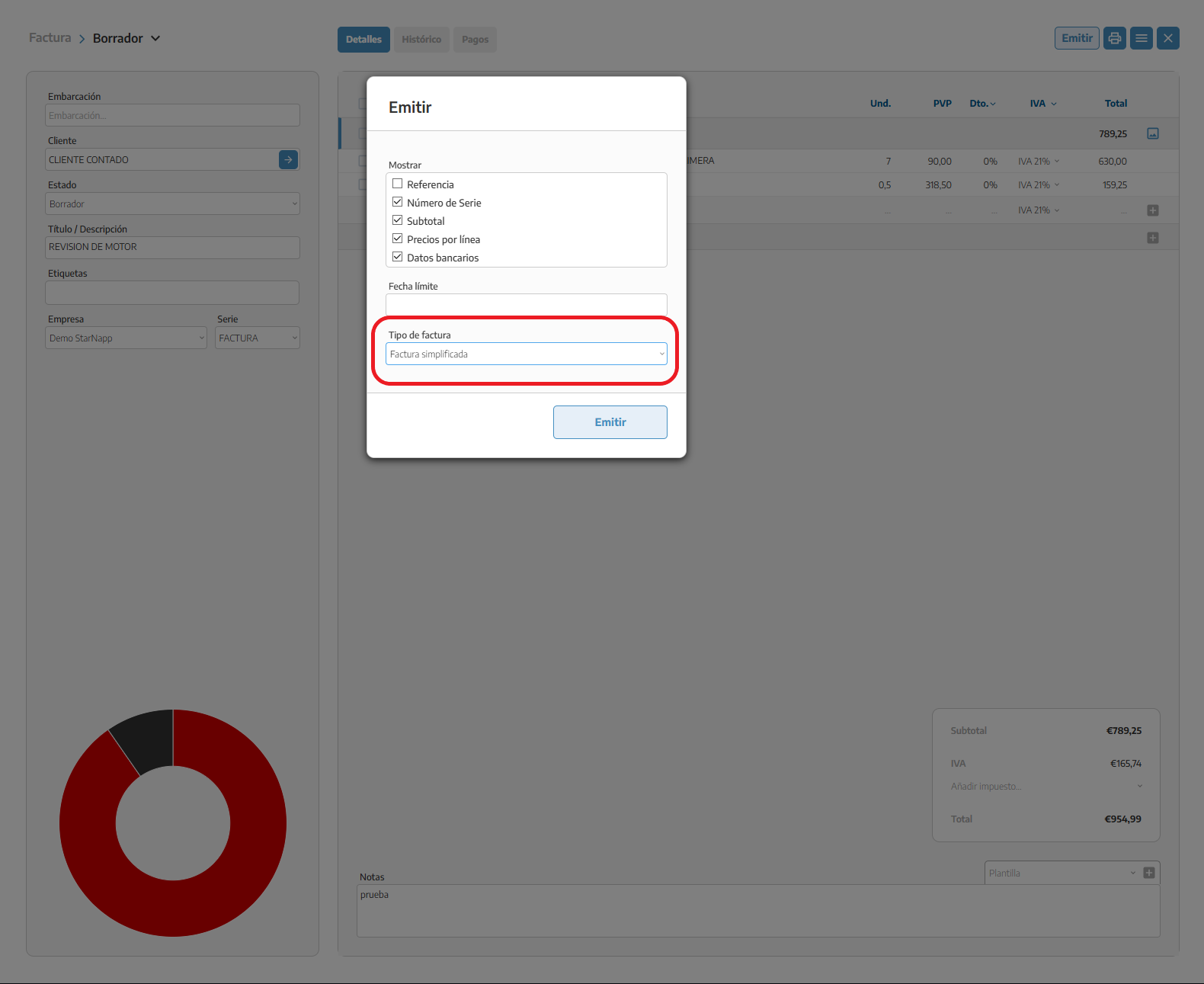
In the pop-up that opens, you'll see a dropdown with the different types of invoices available.
Choose Simplified invoice.
When you select this option, the system will create a ticket-style document, perfect for clients who pay on the spot and don't need an individual profile or full tax data.