Delivery note and proforma are intermediate documents between the quote/work order and the final invoice. Neither of them has fiscal value on its own: they're used to record what has been delivered or carried out (delivery note) or to show the customer, provisionally, what they're going to be invoiced (proforma), before issuing the final invoice.
We use a DELIVERY NOTE to record that we've delivered materials or completed a job, without that implying the invoice has been issued yet.
We use a PROFORMA when we want to show the customer, provisionally, the amount they're going to be invoiced — for example, so they can review it or use it as a supporting document before receiving the actual invoice.
Both can be created as many times as we need, to later incorporate them into the final invoice or into other delivery notes/proformas.
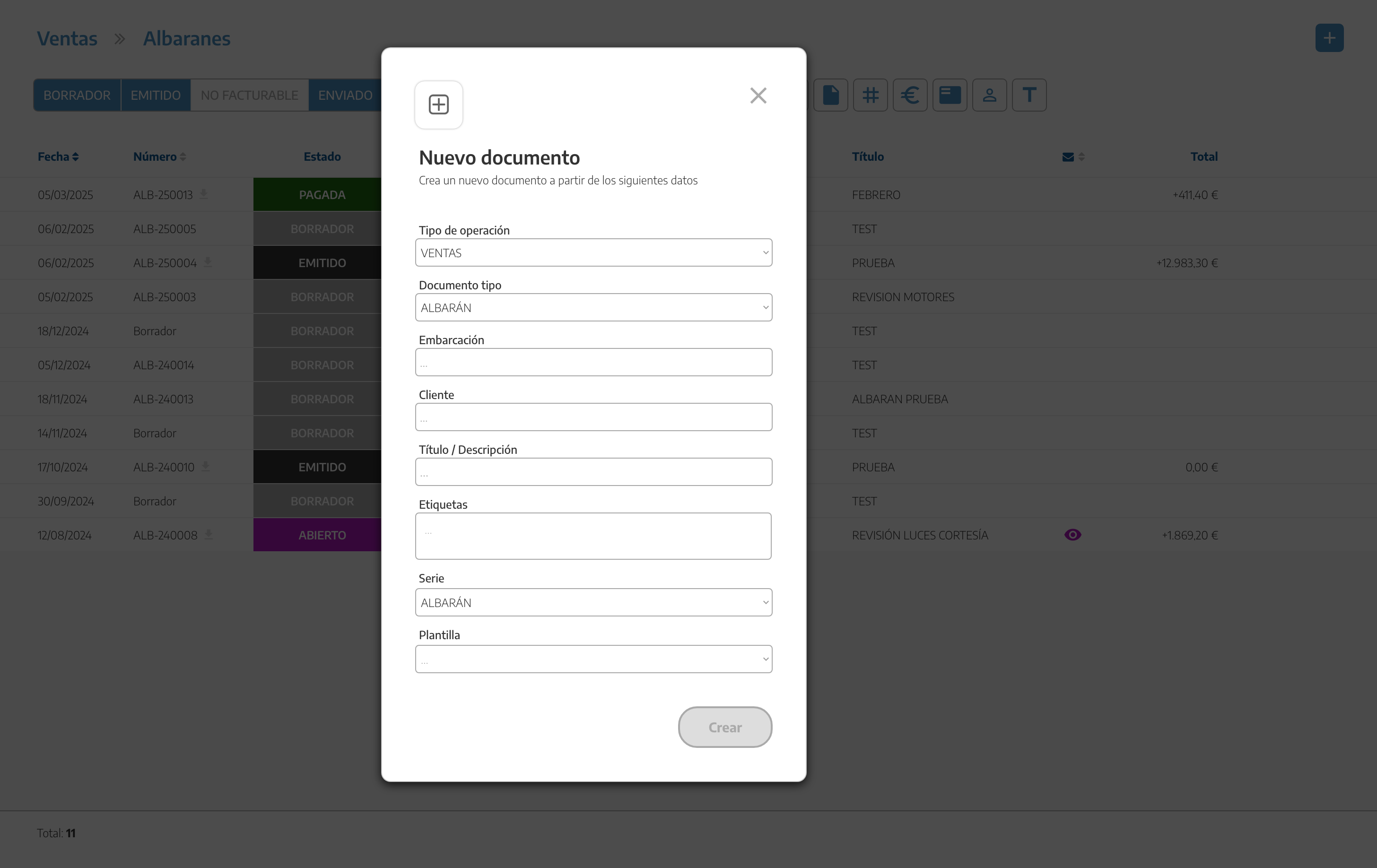
We create them the same way as any sales document: from the + button in Sales, choosing the vessel (or just the customer, for a direct sale), the customer, the tags, the series and the template — see Quotes for the detail of this form, which is common to all document types.
Delivery notes and proformas share practically the same internal options as the rest of the sales documents:
On the left, the document's information (vessel, customer, series, etc.).
Series selection.
Charging materials.
Images on each chapter.
Moving lines and chapters.
Adding (converting or linking) other documents.
For the full detail of these common actions (chapters, lines, supplied expenses, copying, translating, etc.), see Working with sales documents.
Yes. Unlike the invoice, delivery notes and proformas remain fully editable after being issued — they're not subject to the lock that does apply to invoices.
The notice above only appears on invoices: it's the only type of sales document that, once issued, can't be edited or deleted. See the full detail in Invoices.
We can mark a delivery note as NOT INVOICEABLE when we know it's not going to be invoiced — for example, warranty work or a delivery we're not going to charge the customer for. A delivery note marked this way is excluded from later invoicing.
We use the CONVERT button, the same as the rest of the conversions in the sales flow. See the full detail of the mechanism in Converting documents and the final step in Invoices.
A delivery note and a proforma have no fiscal value on their own; only the final invoice does.
They can keep being edited after being issued; the invoice can't.
A delivery note can be marked as NOT INVOICEABLE if it isn't going to be invoiced.
To see this step within the full sales flow, see Sales flow.
